
Keep the photo.Lose thedistraction.
Object Removal AI Retouch (Removal) removes unwanted people, objects, text and lines from photos on iPhone and iPad, with video removal tools for fixed and moving areas.
Download on the App StoreIn-app purchases available.

A little less in the way.
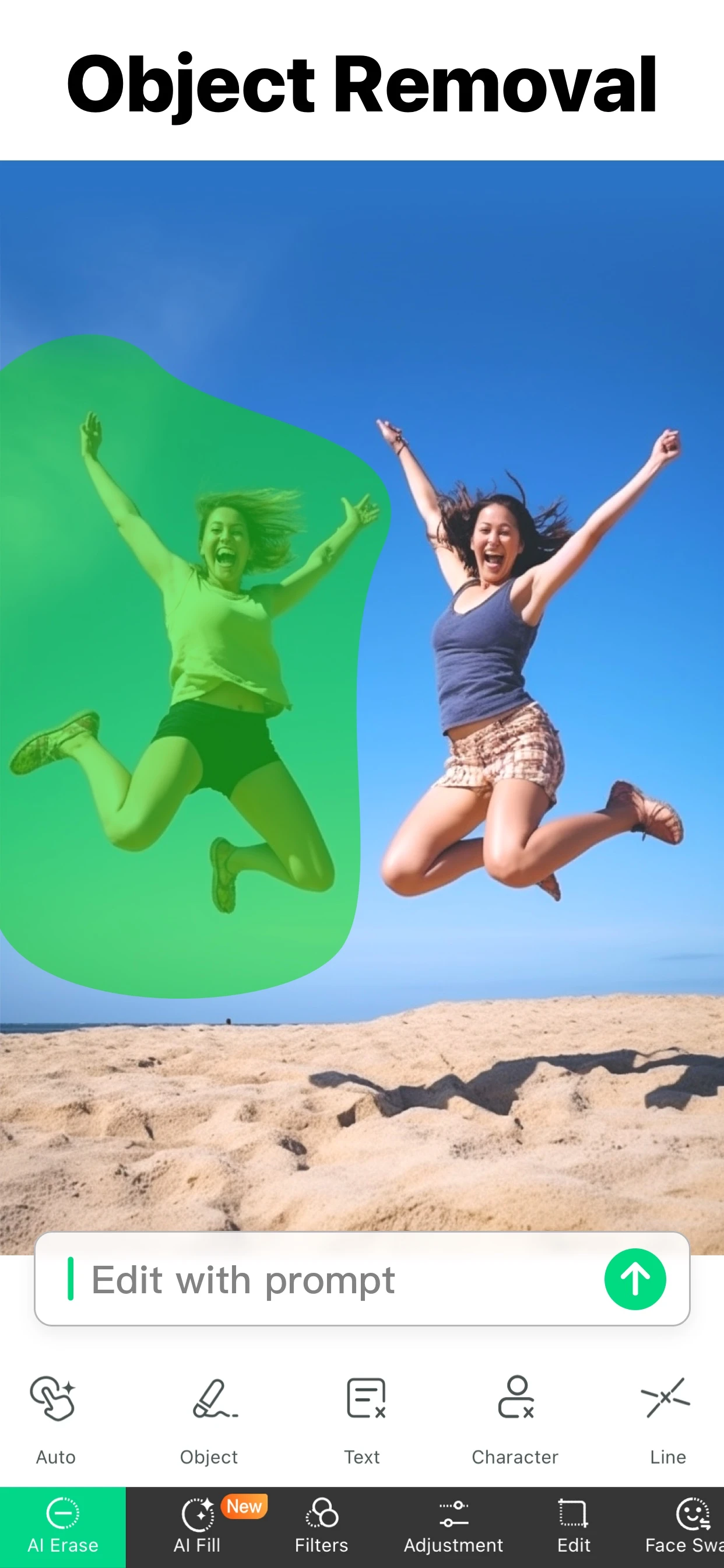
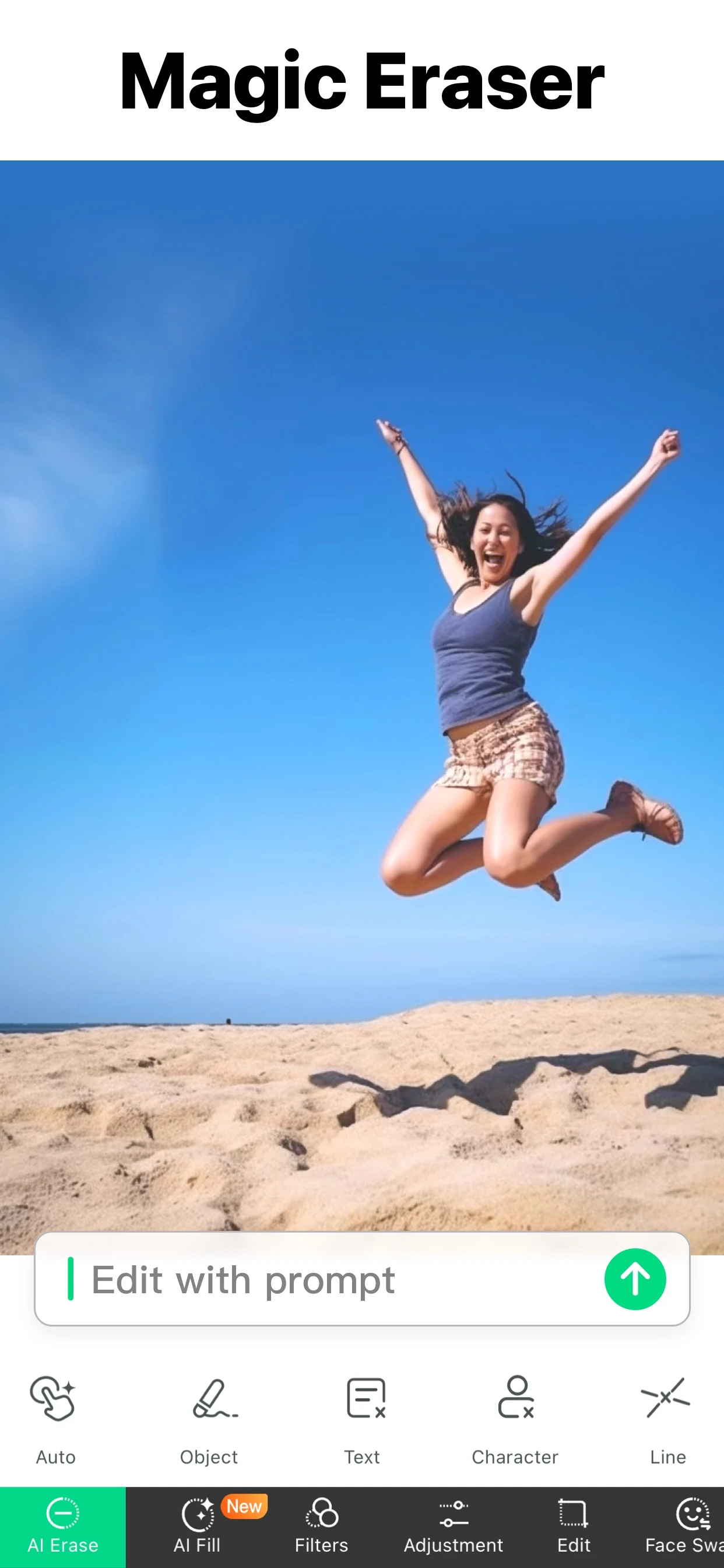
Brush over a distraction. Let AI help fill the space.
Your photo,
with more control.
Open your photo
Start with a photo from your library.
Choose what goes
Use Object, Text, Character or Line tools to mark the area.
Review and save
Check the result at full size before saving.
App Store example. Results vary by photo.
A cleaner photo starts with a good selection.
Work on one distraction at a time. Zoom in for edges, review the result, and keep your original photo.
See the editing guidesAt a glance.
- App Store name
- Object Removal AI Retouch
- Also called
- Removal
- App Store ID
- 1457711961
- Works on
- iPhone and iPad with iOS 15 or later
- Price
- Free to download, with optional in-app purchases
- App Store rating
- 4.6 out of 5 from 72,783 ratings in the US App Store (checked 3 November 2026)
- Removes from photos
- People, objects, text, lines, logos, blemishes, reflections and backgrounds
- Removes from videos
- Logos and timestamps in a fixed area, or a moving object across the clip
- Processing
- Some edits run on your device. Video removal and generative AI tools are processed on cloud servers and need an internet connection.
A few useful ways to start.
Questions,
answered.
Need a hand? Visit Support.
What can Removal help remove?
Unwanted people, objects, text and lines from photos. Results depend on the scene and selection.
Does Removal need Apple Intelligence?
No. Removal works on iPhone and iPad with iOS 15 or later. Clean Up in Apple’s Photos app is an Apple Intelligence feature and needs a supported device, language and region.
Can Removal remove objects from videos?
Yes. Video Eraser has Fixed Area for things that stay in place, such as a logo or timestamp, and Dynamic Area for an object that moves through the clip. Video processing runs on cloud servers.
Is every feature included?
Removal offers in-app purchases. Feature access, usage limits and prices depend on the plan and region. Review the details shown in the app before purchasing.
Are photos edited on this website?
No. Download Removal from the App Store to edit your photos. This website provides product information, guides and support.
Does it work offline?
Some edits run on the device, but video removal and generative AI tools require an internet connection. Check the selected tool before editing.
Why can an edit leave artifacts?
AI reconstructs the selected area. Busy backgrounds, large selections and overlapping subjects can leave visible traces. Try a tighter selection, inspect the result and keep your original.